
How AI is Transforming UI Design Automation | Pure Tech
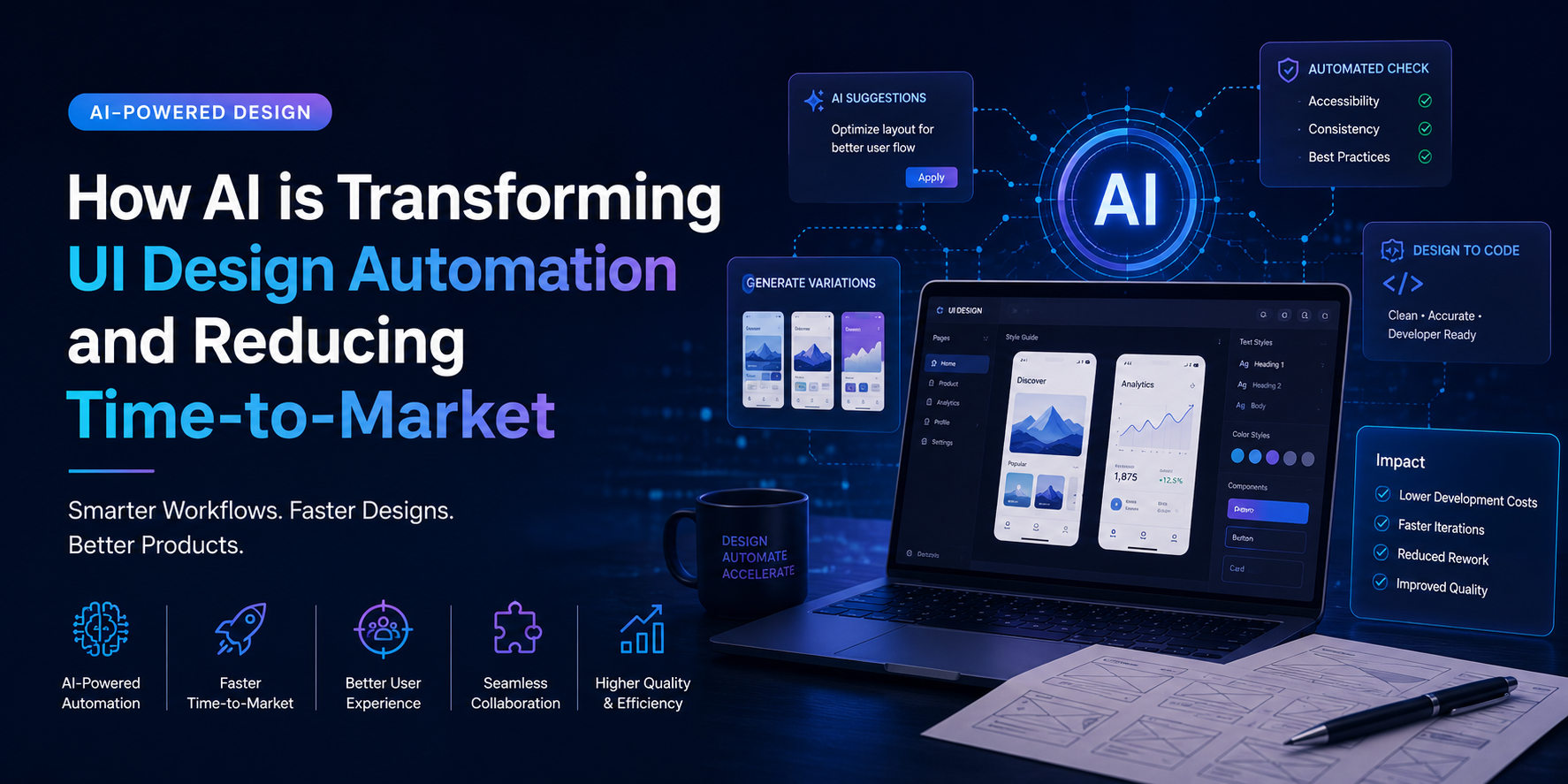
How AI is Transforming UI Design Automation and Reducing Time-to-Market
Introduction: Why Speed Matters in Modern Product Design
In today’s digital-first world, product UI design directly impacts how quickly businesses can launch and scale products. UI design is no longer just about aesthetics. It now plays a major role in user experience, development efficiency, and overall business growth.
However, many companies still follow outdated workflows where design, development, and testing operate in isolated stages. This often leads to repeated revisions, delayed launches, and higher development costs.
As customer expectations evolve rapidly, businesses need faster and smarter design processes.
This is where AI for UI design automation is changing the game.Rather than replacing designers, AI helps teams automate repetitive tasks, improve collaboration, and accelerate the journey from concept to production-ready interfaces.
Why Time-to-Market Has Become a Competitive Advantage
Launching products faster allows businesses to:
- Gather user feedback earlier
- Improve products continuously
- Capture market opportunities quickly
- Stay ahead of competitors
But achieving faster releases is not only about speeding up development.
UI design itself often becomes a hidden bottleneck due to:
- Multiple review cycles
- Design inconsistencies
- Delayed developer handoffs
- Rework caused by unclear specifications
- Accessibility issues found late in development
Even small inefficiencies across the UI workflow can significantly delay product launches.
Modern businesses need design systems that move as fast as their markets.
Common Challenges in Traditional UI Design Workflows
Despite advanced design tools, many UI processes still rely heavily on manual effort.
Some of the biggest challenges include:
Slow Design Exploration
Teams often limit design options early to save time, only to revisit decisions later.
Design Inconsistency
Maintaining consistency across screens, components, and platforms becomes difficult without automated systems.
Poor Developer Handoffs
Unclear documentation and disconnected workflows create confusion between design and engineering teams.
Late Validation Issues
Accessibility, usability, or performance problems are often discovered too late, increasing rework costs. These Challenges not only slow delivery but also increase operational complexity.
How AI is Transforming UI Design Automation
AI is reshaping UI workflows by introducing intelligent automation into the design lifecycle.
Unlike traditional automation that follows fixed rules, AI systems learn from patterns, feedback, and historical data.
This enables AI to:
- Detect design inconsistencies automatically
- Improve collaboration between design and development
- Accelerate prototyping
- Generate UI variations quickly
- Automate repetitive documentation tasks
- Predict usability issues earlier
The result is faster product delivery with better design quality.
AI becomes a design assistant that helps teams work smarter rather than simply faster.
Key AI Technologies Powering Modern UI Design
Generative AI
Generative AI helps designers rapidly create multiple UI layouts, interaction flows, and visual variations based on prompts or constraints.
This allows teams to explore more creative possibilities without increasing manual effort.
Large Language Models (LLMs)
LLMs help convert UI intent into:
- Structured design documentation
- Component descriptions
- Developer handoff notes
- Design system recommendations
This reduces ambiguity and speeds up collaboration between teams.
Computer Vision & Pattern Recognition
AI-powered visual analysis tools can:
- Detect inconsistencies
- Validate accessibility standards
- Ensure design system compliance
- Monitor branding consistency
This reduces the need for manual design reviews.
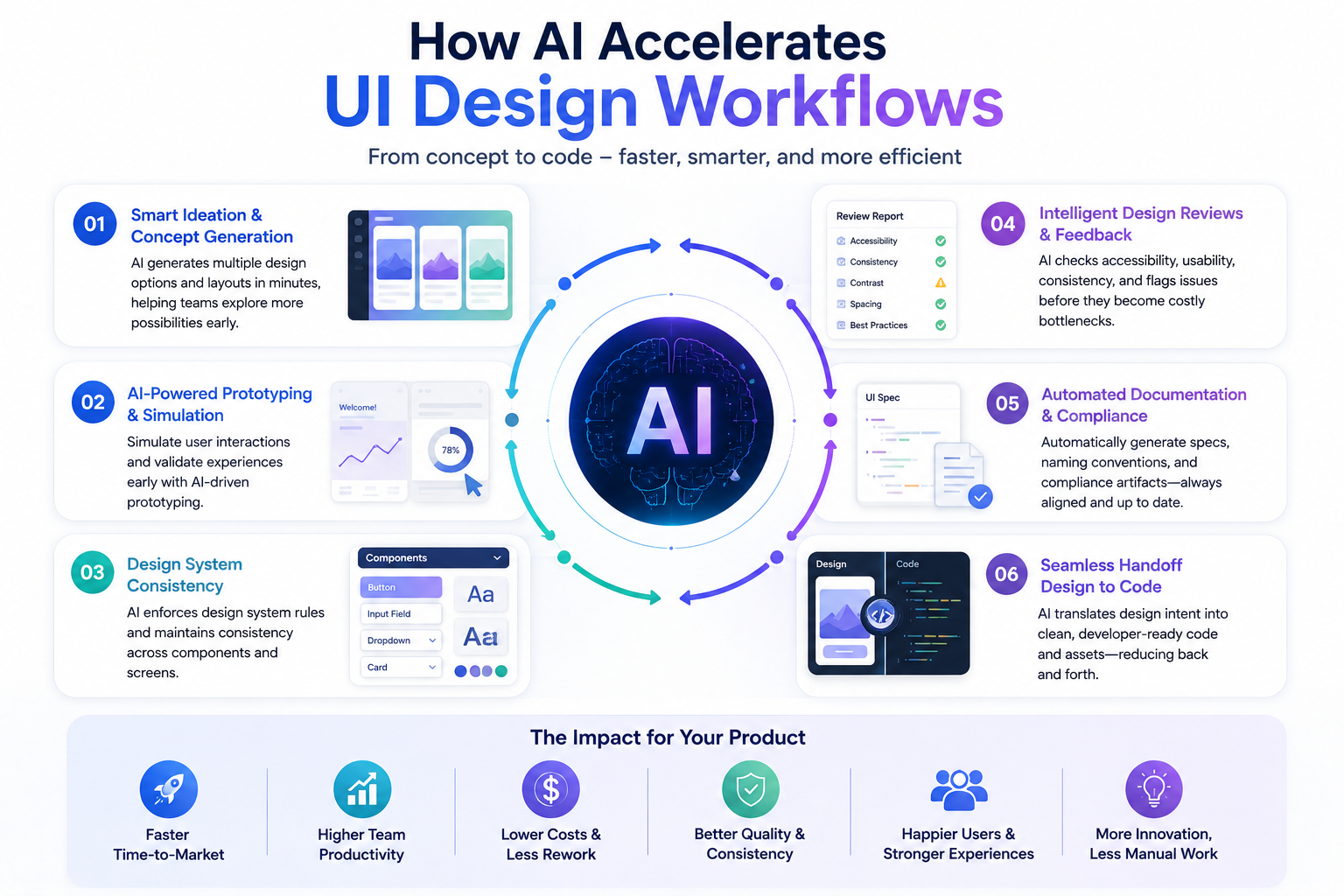
How AI Accelerates UI Design Workflows
Faster Concept Generation
AI allows teams to generate multiple design directions within minutes instead of days.
Designers can evaluate more options early in the process, reducing expensive revisions later.
Smarter Prototyping
AI-enhanced prototyping tools simulate user interactions and predict usability challenges before development begins.
This enables faster iterations and more confident product decisions.
Automated Design Reviews
AI tools can continuously scan interfaces for:
- Accessibility issues
- Layout inconsistencies
- Missing design standards
- UX problems
This helps teams identify problems earlier instead of waiting for late-stage QA reviews.
Improved Design-to-Development Handoffs
One of the biggest delays in product delivery happens between design and engineering teams.
AI simplifies handoffs by automatically generating:
- Component specifications
- Documentation
- Naming conventions
- Developer-ready assets
This reduces clarification cycles and speeds up implementation.
The Role of AI in Agile & DevOps Workflows
High-performing product teams are integrating AI directly into Agile and DevOps processes.
AI helps by:
- Identifying UI risks during sprint planning
- Reducing feedback delays
- Validating UI changes continuously
- Improving collaboration across teams
This creates faster iteration cycles without sacrificing quality.
Measuring the Impact of AI in UI Design
Organizations adopting AI for UI design automation are already seeing measurable improvements.
Faster Time-to-Market
AI reduces manual effort across the design lifecycle, allowing businesses to release products more quickly.
Higher Productivity
Designers spend less time on repetitive work and more time solving strategic UX challenges.
Reduced Development Costs
Automation minimizes rework, documentation overhead, and design inconsistencies.
Better Product Quality
Continuous AI-driven validation improves usability, accessibility, and consistency across products.
Challenges Businesses Must Consider
While AI offers major advantages, successful implementation still requires thoughtful planning.
Key considerations include:
- Data privacy and governance
- Ethical AI usage
- Human oversight
- Integration with existing workflows
- Team adoption and training
AI should support human creativity not replace it.
The most successful organizations treat AI as a collaborative design partner rather than just another tool.
The Future of AI-Powered UI Design
The future of UI design automation is moving toward intelligent, context-aware systems that continuously improve based on user behavior and product data.
In the coming years, businesses can expect:
- AI-assisted design copilots
- Real-time design-to-code workflows
- Predictive UX recommendations
- Automated accessibility compliance
- Smarter cross-team collaboration systems
The companies that adopt AI strategically today will build products faster, improve user experiences, and stay more competitive in rapidly changing markets.
How Pure Tech Helps Businesses Modernize UI Design Workflows
At Pure Tech, we help businesses accelerate digital product delivery through modern UI/UX design and AI-driven development workflows.
Our teams help organizations:
- Build scalable design systems
- Improve UI-to-development collaboration
- Implement AI-assisted workflows
- Reduce product delivery timelines
- Enhance user experience consistency
- Optimize product design operations
As product development cycles continue to shrink, businesses need smarter workflows that combine human creativity with AI-powered efficiency.
The future of UI design is not just faster.
It is more intelligent, scalable, and user-focused.